
pudgyturtle
Hands-on Rust dungeon crawler bug I can't figure out (Amulet of Yala)
Hoping someone can point me in the right direction here: I’m working through the book Hands-On Rust and have just written the code required to spawn the Amulet of Yala in the map at the most accessibly distant tile from where the player spawns. It’s supposed to be added in the corner of some random faraway room, like this:
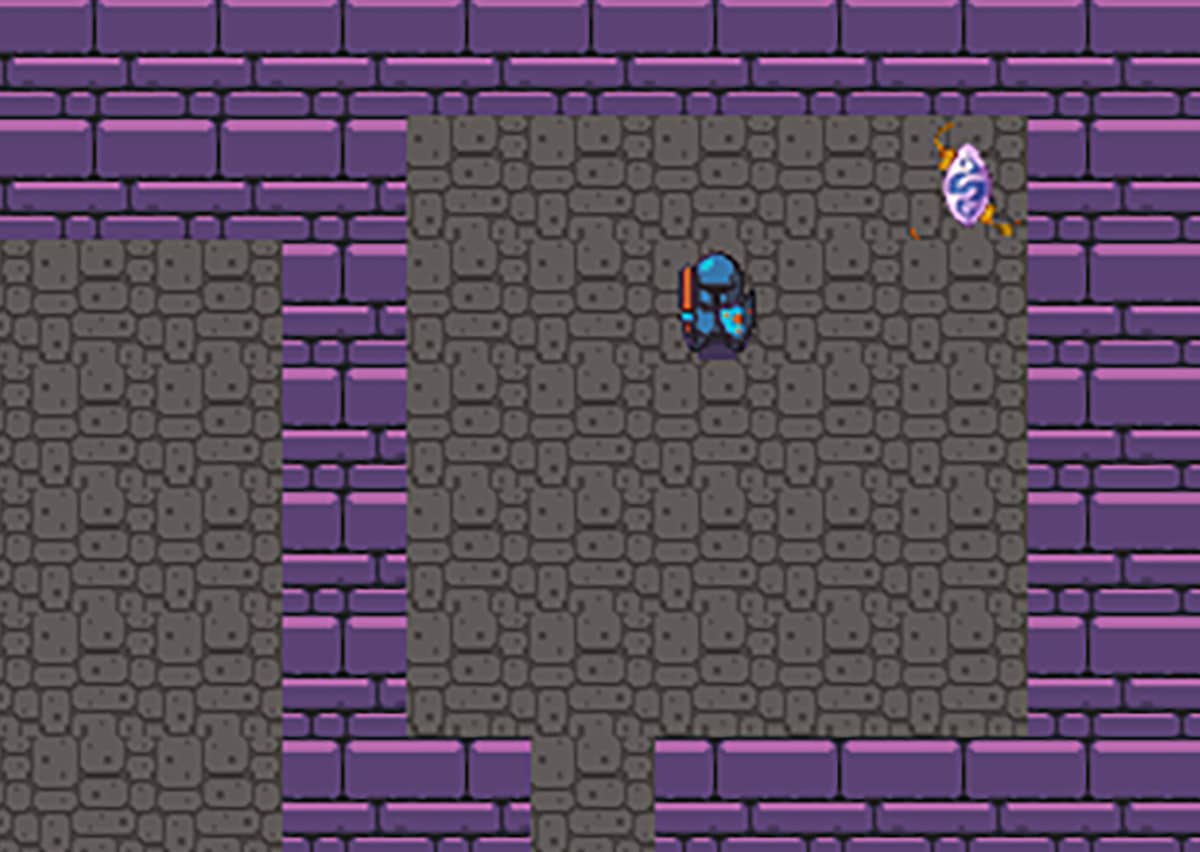
That image is from the book on pg 180. My code, however, has the amulet spawning not in a room but in one of the four corners of the entire map screen. i.e. completely unreachable:
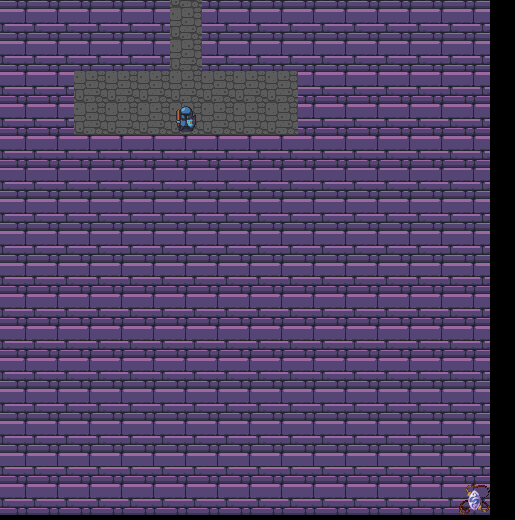
I combed through every line of code and compared it to what’s in the author’s official repo (HandsOnRust/WinningAndLosing/winning at main · thebracket/HandsOnRust · GitHub) but can’t see what my mistake is. I finally just copied the code from all the files I touched for this Amulet of Yala task to ensure it’s identical, but the amulet is still spawning in a screen corner out of reach. The only files I edited for this are winning/src/components.rs winning/src/spawner.rs winning/src/map_builder.rs winning/src/main.rs winning/src/turn_state.rs and 'winning/src/end_turn.rs. I’m pretty sure the error involves map_builder.rs because it’s the Dijkstra map code that is determining the distance/placement of the amulet in relation to the player:
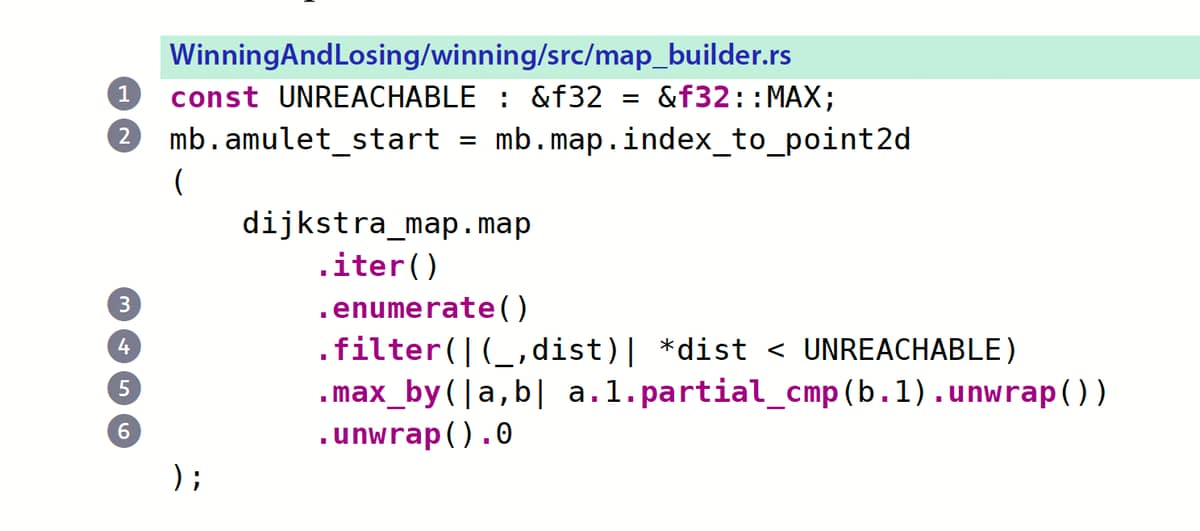
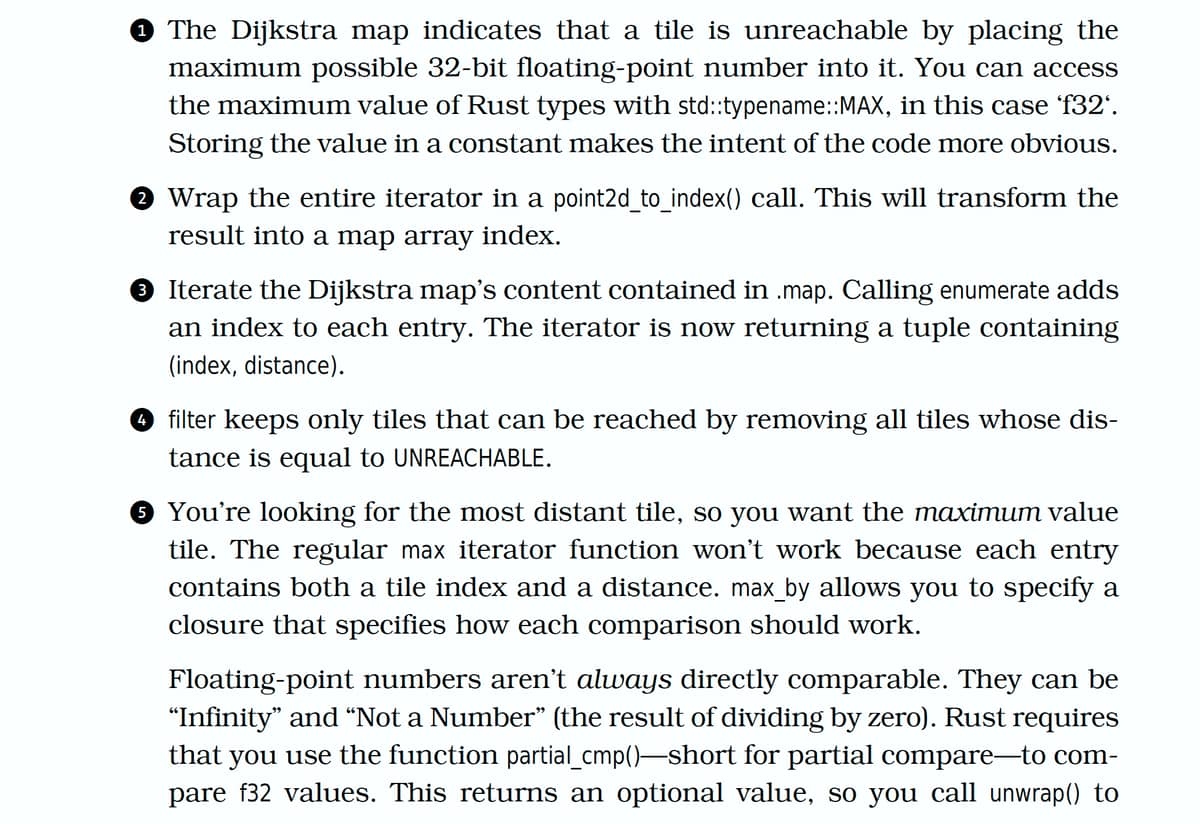
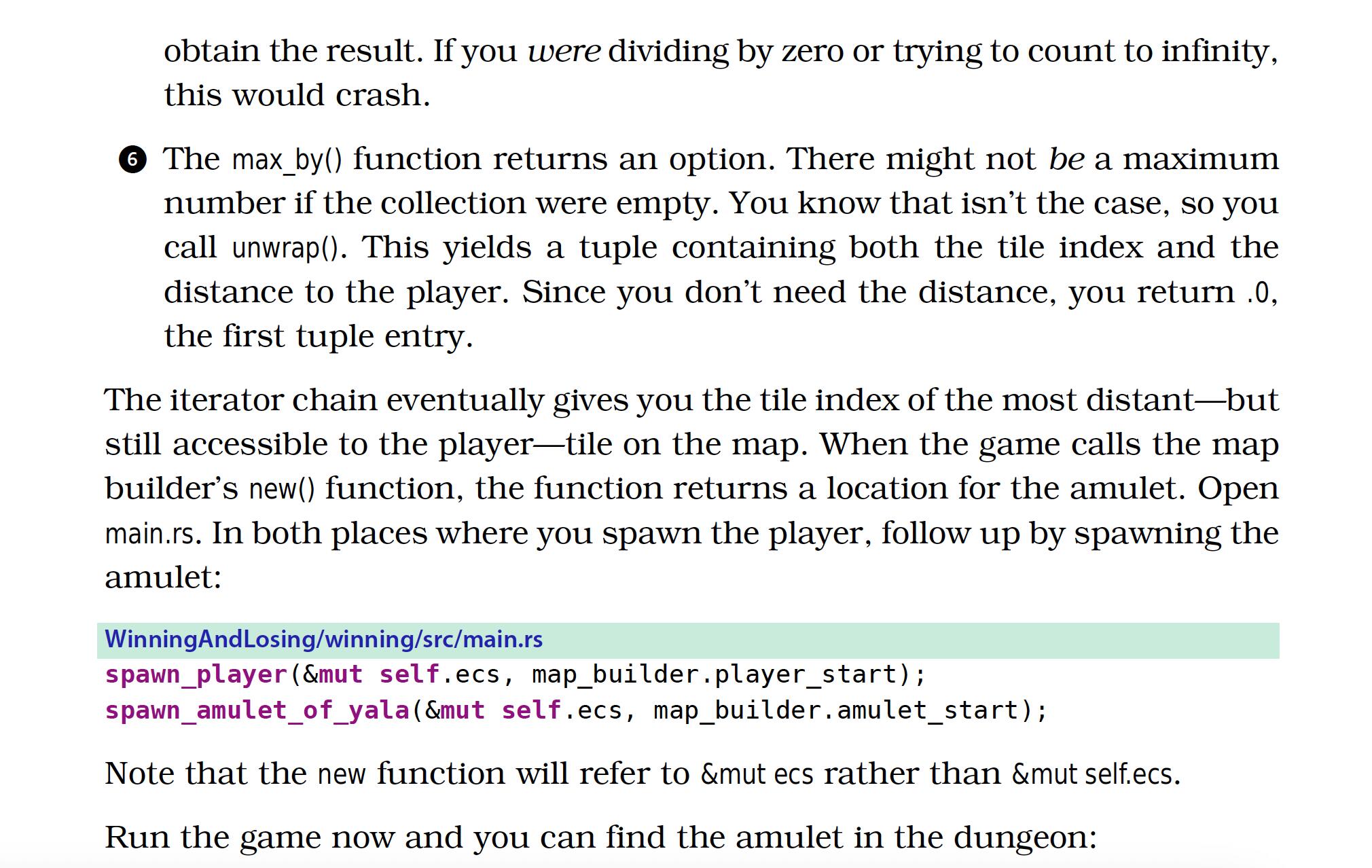
Anyway, I created a Github repository of all my code in case someone is willing, able, and kind enough to have a look. GitHub - pudgyturtle/dungeoncrawl I’m reluctant to suggest it’s a bug or error with the book because so far every error I’ve had has been my own typo or oversight, but this one has me super stumped. I’d appreciate any suggestions or help!
First Post!

malachid
I’ll start by saying that I compared your code to my older commit and I didn’t see anything wrong with your code. I verified that mine was working and yours wasn’t. I did some debugging and found that yours is always positioned in one of the 4 corners. Specifically in:
idx [ dist ] point
0 [62]: Point { x: 0, y: 0 }
79 [97]: Point { x: 79, y: 0 }
3920 [31]: Point { x: 0, y: 49 }
3999 [66]: Point { x: 79, y: 49 }
I also verified that all 4 corners are always walls, as they should be since all four edges are walls.
As a test, I added this to the mb.amulet_start function:
                .filter(|(idx, dist)| {
                    match mb.map.tiles[*idx] {
                        TileType::Floor => {
                            true
                        },
                        TileType::Wall => {
                            false
                        },
                    }
                })
This resulted in the amulet being reachable.
That being said, I don’t have that code snippet in mine - but maybe that will help you track it down.
Popular Pragmatic Bookshelf topics








Modern Front-End Development for Rails - application does not start after run bin/setup (page xviii)
Other popular topics





Categories:
Sub Categories:
Popular Portals
- /elixir
- /rust
- /wasm
- /ruby
- /erlang
- /phoenix
- /keyboards
- /python
- /js
- /rails
- /security
- /go
- /swift
- /vim
- /java
- /clojure
- /typescript
- /emacs
- /haskell
- /svelte
- /onivim
- /kotlin
- /react
- /c-plus-plus
- /crystal
- /tailwind
- /gleam
- /ocaml
- /elm
- /vscode
- /flutter
- /html
- /deepseek
- /ash
- /zig
- /opensuse
- /php
- /centos
- /react-native
- /scala
- /lisp
- /sublime-text
- /textmate
- /nixos
- /debian
- /deno
- /agda
- /django
- /kubuntu
- /nodejs
- /arch-linux
- /ubuntu
- /spring
- /revery
- /manjaro
- /julia
- /lua
- /quarkus
- /diversity
- /laravel
Devtalk Sponsors

Practical resources that improve the lives of professional developers.

We build trusted fault-tolerant systems that scale to billions of users.

Real-time error tracking, performance insights, and observability for devs.

Supporting innovation across the BEAM ecosystem.

We build reliable cloud platforms for business-critical systems.

Develop your skills with books, videos, and courses.

Catch errors, track performance, monitor hosts and more.

Enabling companies to succeed by building software people love.

Courses that move you from confusion to "Aha, now I get it!"

Publishing Linux Magazine, ADMIN, and MakerSpace for 25+ years.