
AstonJ
How to move the file tree to the right hand side in Onivim
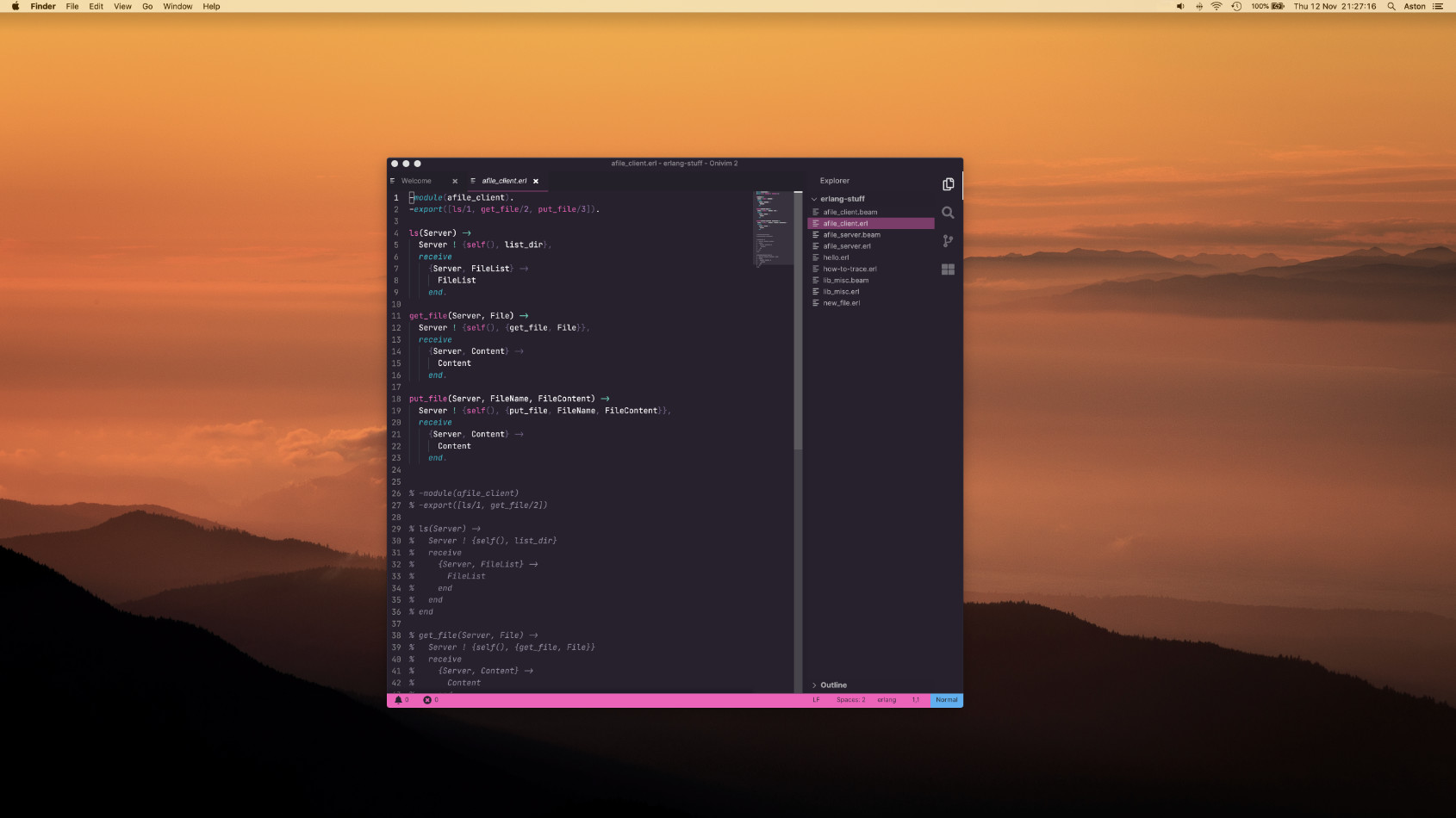
If you would prefer your file tree to be on the right hand side in Onivim, just:
CTRL (or CMD) + SHIFT + P
Then start to type config then go down to Preferences: Open Configuration File, then edit this line:
"workbench.sideBar.location": "left",
to
"workbench.sideBar.location": "right",
And you’re all set 
Popular General Dev topics







Other popular topics



Sponsor Spotlight

We build reliable cloud platforms for business-critical systems.
Latest in Onivim

Categories:
Sub Categories:
- All
- In The News (11398)
- Dev Chat (208)
- Questions (38)
- Resources (122)
- Blogs/Talks (29)
- Jobs (3)
- Events (15)
- Code Editors
- Hardware (60)
- Reviews (5)
- Sales (16)
- Design & UX (5)
- Marketing & SEO (2)
- Industry & Culture (14)
- Ethics & Privacy (19)
- Business (4)
- Learning Methods (7)
- Content Creators (7)
- DevOps & Hosting (14)
Popular Portals
- /elixir
- /rust
- /wasm
- /ruby
- /erlang
- /phoenix
- /keyboards
- /python
- /js
- /rails
- /security
- /go
- /swift
- /vim
- /java
- /clojure
- /typescript
- /emacs
- /haskell
- /svelte
- /onivim
- /kotlin
- /react
- /c-plus-plus
- /crystal
- /tailwind
- /gleam
- /ocaml
- /elm
- /vscode
- /flutter
- /html
- /ash
- /deepseek
- /zig
- /opensuse
- /centos
- /php
- /react-native
- /scala
- /lisp
- /textmate
- /sublime-text
- /nixos
- /debian
- /agda
- /deno
- /django
- /kubuntu
- /nodejs
- /arch-linux
- /ubuntu
- /spring
- /revery
- /manjaro
- /julia
- /quarkus
- /diversity
- /lua
- /laravel
Devtalk Sponsors

Practical resources that improve the lives of professional developers.

We build trusted fault-tolerant systems that scale to billions of users.

Real-time error tracking, performance insights, and observability for devs.

Supporting innovation across the BEAM ecosystem.
We build reliable cloud platforms for business-critical systems.

Develop your skills with books, videos, and courses.

Catch errors, track performance, monitor hosts and more.

Enabling companies to succeed by building software people love.

Courses that move you from confusion to "Aha, now I get it!"

Publishing Linux Magazine, ADMIN, and MakerSpace for 25+ years.