
AstonJ
Anyone used Tails OS?
Anyone tried Tails? Any thoughts?
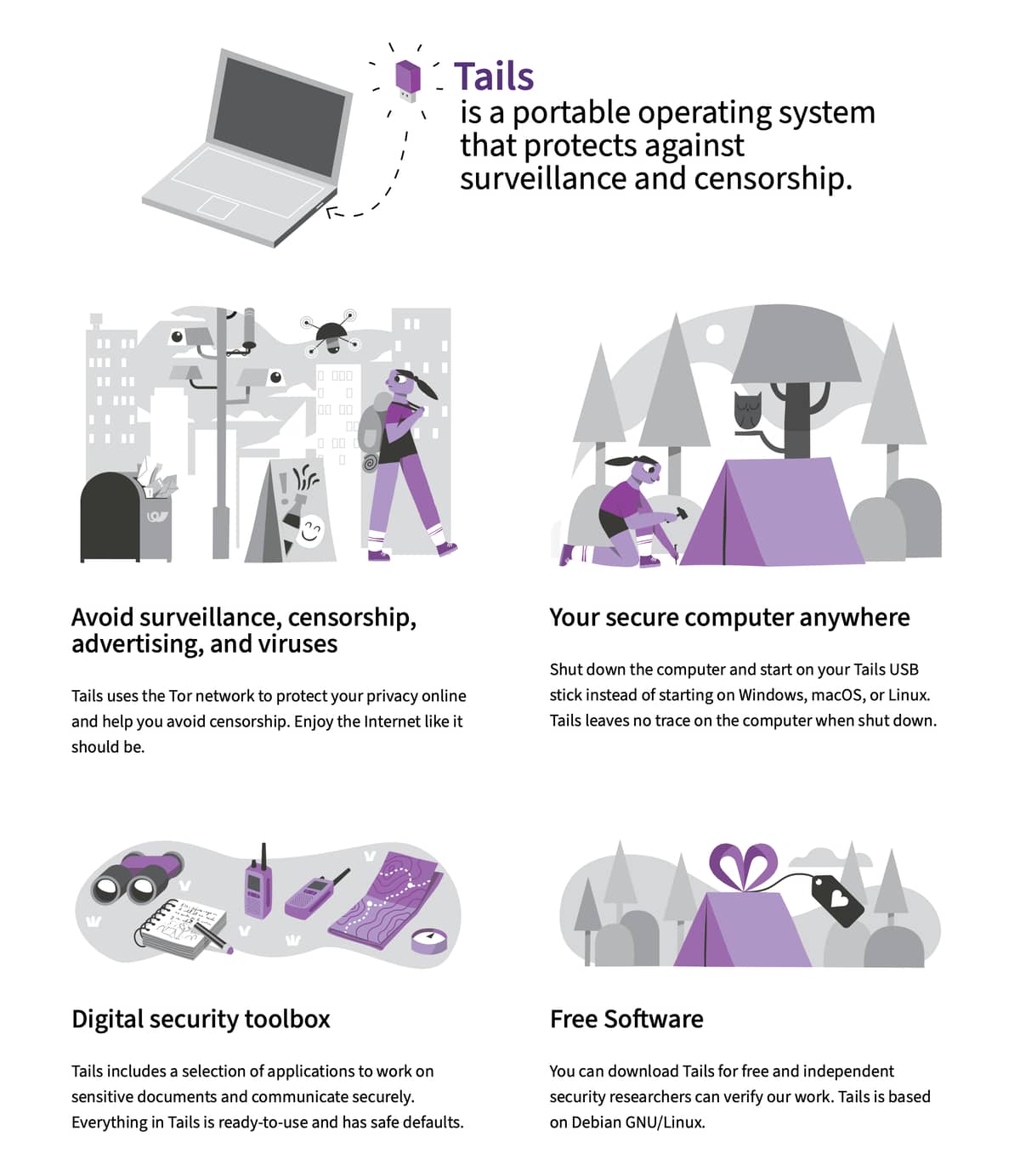
How Tails works
Leave no trace on the computer
Your secure computer anywhere
To use Tails, shut down the computer and start on your Tails USB stick instead of starting on Windows, macOS, or Linux.
You can temporarily turn your own computer into a secure machine. You can also stay safe while using the computer of somebody else.
Tails is a 1.9 GB download and takes ½ hour to install. Tails can be installed on any USB stick of 8 GB minimum. Tails works on most computers less than 10 years old. You can start again on the other operating system after you shut down Tails.
You don’t have to worry about the computer having viruses because Tails runs independently from the other operating system and never uses the hard disk. But, Tails cannot always protect you if you install it from a computer with viruses or if you use it on a computer with malicious hardware, like keyloggers.
Amnesia
Tails always starts from the same clean state and everything you do disappearsautomatically when you shut down Tails.
Without Tails, almost everything you do can leave traces on the computer:
- Websites that you visited, even in private mode
- Files that you opened, even if you deleted them
- Passwords, even if you use a password manager
- All the devices and Wi-Fi networks that you used
On the contrary, Tails never writes anything to the hard disk and only runs from the memory of the computer. The memory is entirely deleted when you shutdown Tails, erasing all possible traces.
Persistent Storage
You can save some of your files and configuration in an encrypted Persistent Storage on the USB stick: your documents, your browser bookmarks, your emails, and even some additional software.
The Persistent Storage is optional and you always decide what is persistent. Everything else is amnesic.
Digital security toolbox
Tails includes a selection of applications to work on sensitive documents and communicate securely.
All the applications are ready-to-use and are configured with safe defaults to prevent mistakes.
Tails includes:
- Tor Browser with uBlock, a secure browser and an ad-blocker
- Thunderbird, for encrypted emails
- GNOME Secrets, to create and store strong passwords
- LibreOffice, an office suite
- OnionShare, to share files, websites, and chat rooms over Tor
- Metadata Cleaner, to remove metadata from files
- and many more!
To prevent mistakes:
- Applications are blocked automatically if they try to connect to the Internet without Tor.
- Everything in the Persistent Storage is encrypted automatically.
- Tails does not write anything to the hard disk. All the memory is deleted when shutting down.
Tor for everything
Everything you do on the Internet from Tails goes through the Tor network. Tor encrypts and anonymizes your connection by passing it through 3 relays. Relays are servers operated by different people and organizations around the world.
A single relay never knows both where the encrypted connection is coming from and where it is going to:
- The 1st relay only knows where you are coming from but not where you are going to.
- This 3rd relay only knows where you are going to but not where you are coming from.
- The connection to the final destination is encrypted whenever possible to prevent the 3rd relay from reading its content.
This way, Tor is secure by design even if a few relays are malicious.
The Tor network has more than 6 000 relays. Organizations running Tor relays include universities like the MIT, activist groups like Riseup, nonprofits like Derechos Digitales, Internet hosting companies like Private Internet Access, and so on. The huge diversity of people and organizations running Tor relays makes it more secure and more sustainable.
Full details here:
Most Liked

toon159
I’ve never tried it but this reminds me of Fireship.

chris.johan
This sounds interesting. Although I am not sure how useful it would be for me. 

TJL
Yeah, I’ve tried it! Been a while, but certainly very cool for poking at random things on the internet. (Most Linux live distros are too, but this embeds Tor.)
Popular Linux topics




Other popular topics



Sponsor Spotlight

We build trusted fault-tolerant systems that scale to billions of users.

Categories:
Sub Categories:
Popular Portals
- /elixir
- /rust
- /wasm
- /ruby
- /erlang
- /phoenix
- /keyboards
- /python
- /js
- /rails
- /security
- /go
- /swift
- /vim
- /java
- /clojure
- /typescript
- /emacs
- /haskell
- /svelte
- /onivim
- /kotlin
- /react
- /c-plus-plus
- /crystal
- /tailwind
- /gleam
- /ocaml
- /elm
- /vscode
- /flutter
- /html
- /deepseek
- /ash
- /zig
- /opensuse
- /centos
- /php
- /react-native
- /scala
- /lisp
- /textmate
- /sublime-text
- /nixos
- /debian
- /agda
- /deno
- /django
- /kubuntu
- /nodejs
- /arch-linux
- /ubuntu
- /spring
- /revery
- /manjaro
- /julia
- /quarkus
- /lua
- /diversity
- /laravel
Devtalk Sponsors

Practical resources that improve the lives of professional developers.
We build trusted fault-tolerant systems that scale to billions of users.

Real-time error tracking, performance insights, and observability for devs.

Supporting innovation across the BEAM ecosystem.

We build reliable cloud platforms for business-critical systems.

Develop your skills with books, videos, and courses.

Catch errors, track performance, monitor hosts and more.

Enabling companies to succeed by building software people love.

Courses that move you from confusion to "Aha, now I get it!"

Publishing Linux Magazine, ADMIN, and MakerSpace for 25+ years.